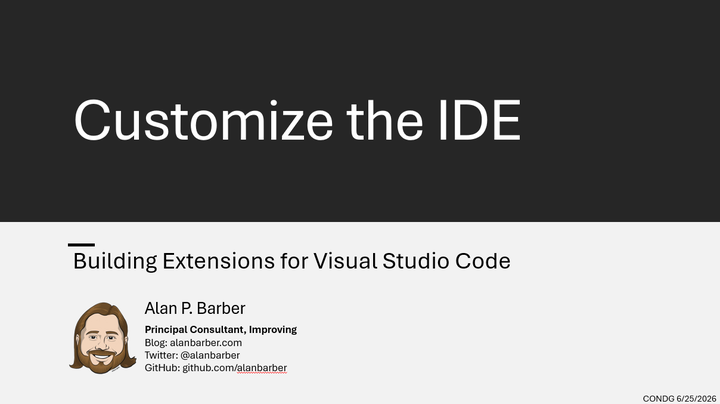
Customize the IDE: Building Extensions for Visual Studio Code
Abstract
Visual Studio Code is one of the most widely used development environments today, and much of its flexibility comes from its extension ecosystem. Extensions allow developers to customize the editor with new features, integrations, and workflow improvements tailored to their needs. In this session, we’ll cover what extensions are and the different types available, including full extensions written in TypeScript or JavaScript, along with lighter-weight extensions such as color themes, language packs, language support, code snippets, and keymaps. We’ll also look at practical reasons a developer might create an extension, from automating repetitive tasks to adding custom tooling. The session includes a hands-on walkthrough of creating a new extension, testing it locally, and understanding the basic project structure. We’ll close with a brief overview of how extensions are packaged and published to the Visual Studio Marketplace and other distribution options.
Biography
Alan P. Barber is a Software Developer and Computer Scientist. Alan has been involved in software development professionally for over a decade and as a hobbyist programmer going on more than 25 years. He currently works as a principal consultant for Improving where he works with clients to find solutions to their difficult problems. Since 2014 Alan has been on the board of The Central Ohio .Net Developers Group. He has several active OSS projects which he develops on the side. When not diving into cool new technology, Alan can be found spending time with his wife going out on the town for foodie adventures or playing with his kid. You can follow him on twitter @alanbarber or visit his website http://alanbarber.com/ where he occasionally blogs.

Alan P. Barber
Software Developer, Computer Scientist, Scrum Master, & Crohn’s Disease Fighter
I specialize in Software Development with a focus on Architecture and Design.